
A more useful way to write an image prompt
Turn a vague idea into a visual brief with a subject, setting, light, composition and a clear point of view.
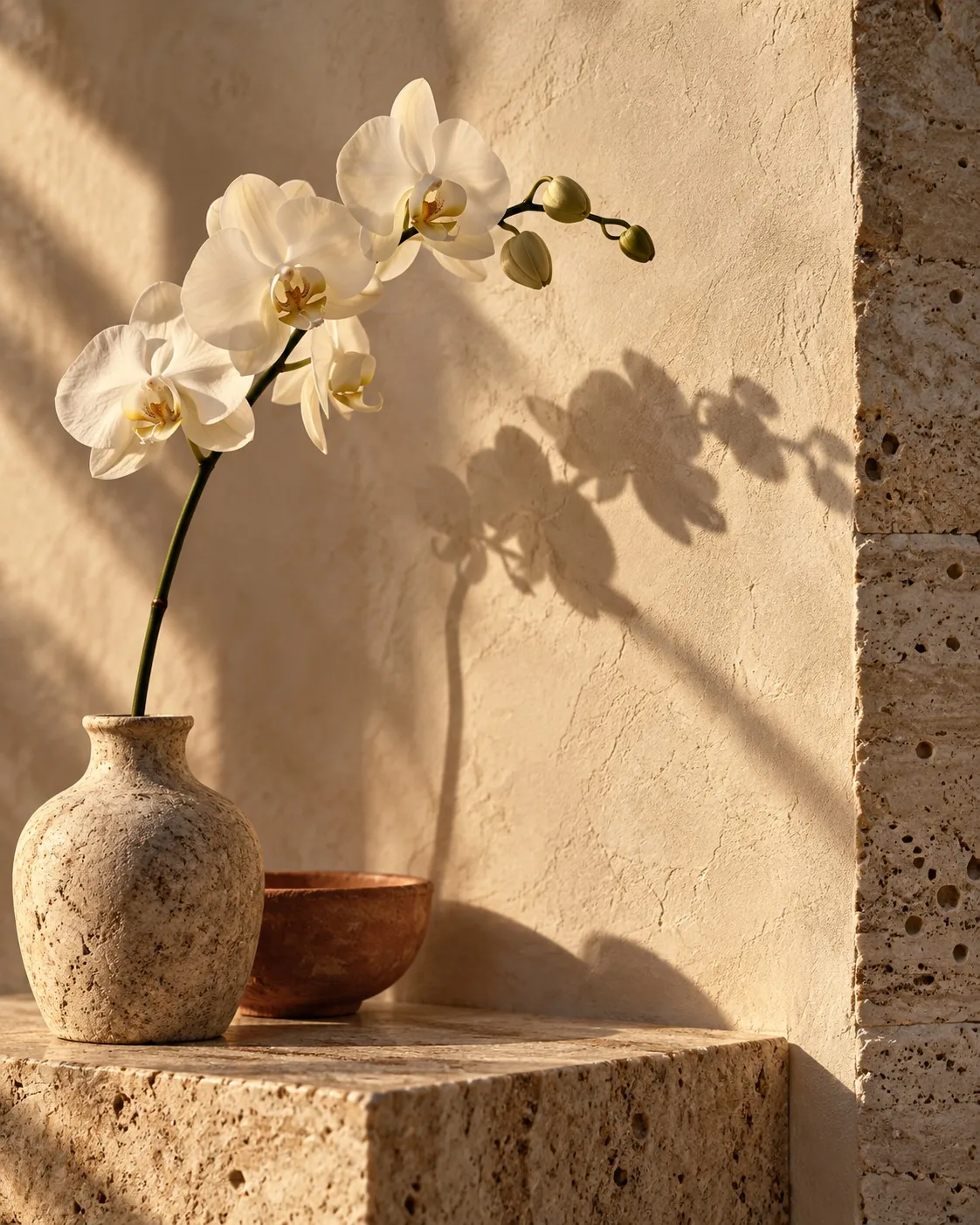
An image prompt works best when it reads like a short brief to a photographer or art director. Start with what the viewer should notice, then add only the details that change the result.
Begin with the subject
Name the main subject precisely. “A portrait” leaves many choices open; “a quiet studio portrait of an older woman in a charcoal coat” establishes a person, mood and wardrobe. If one object matters, make it the center of the sentence.
Set the scene and the light
Describe where the subject is and what illuminates it. A north-facing window, soft reflected daylight or a single warm lamp gives the scene a physical logic. Choose one or two lighting cues that work together.
Decide what the frame includes
Composition can be simple: close portrait, wide landscape, centered still life or an off-center subject with negative space. State the camera angle or distance when it matters. Leave enough room for the image to surprise you.
Add texture and restraint
Material details often do more than long style lists. Matte paper, weathered stone, rippled water and brushed metal each suggest a surface that light can describe. End with a brief note on the overall tone.
For example: “A single persimmon on a bare branch above dark water. Soft side light reveals the leaf edges; the reflection fades into gentle ripples. Quiet still life, generous negative space, natural color.”
The QwenImage AI studio helps you prepare and copy a prompt like this. The current studio is a drafting workspace; it does not submit prompts to an image model.